ThaiExcite
88/41 Kanlapapruek Road, Bangkae, Bangkae, 10160, Bangkok, ประเทศไทย
ติดต่อสอบถาม: 081-239-3299
อีเมล์: info@thaiexcite.com
URL: http://www.thaiexcite.com/ZWO-TC40-Tripod-compatible-with-AM5-CEM40-GEM45-135E-AS-GTi-copy-2987.html
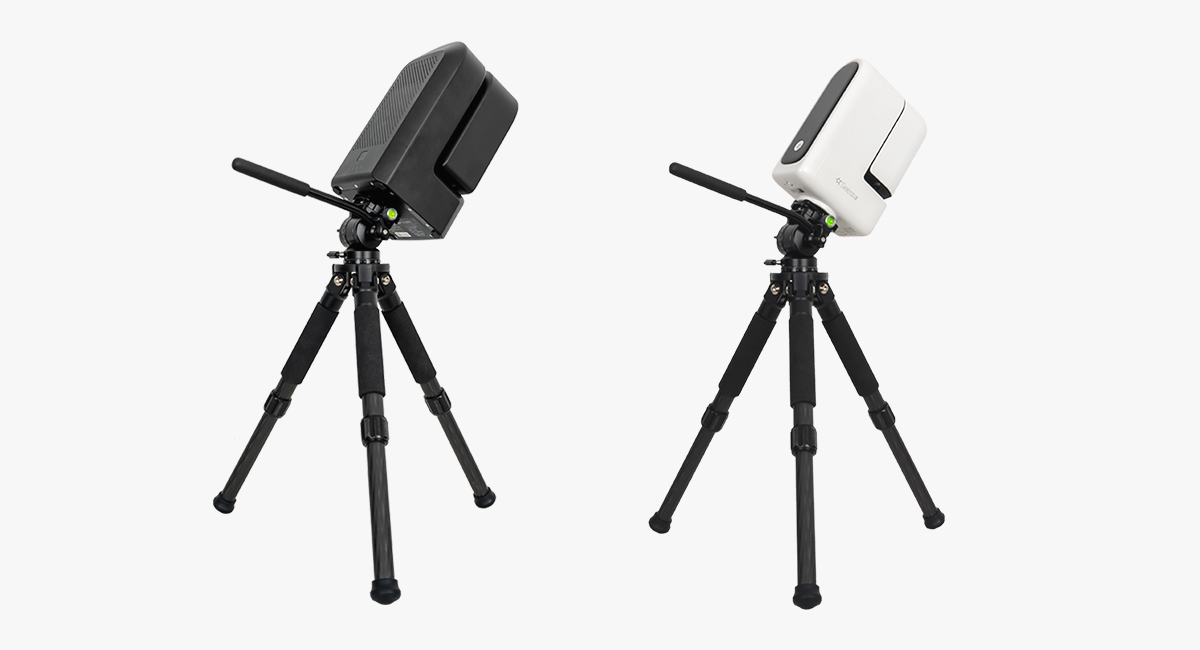
ขาตั้ง ZWO TC20 Tripod (สามารถใช้ร่วมกับ SeeStar S30 / S30 Pro / S50)
รายละเอียด
รายละเอียด
ZWO TC20 Tripod (compatible with SeeStar S30 / S30 Pro / S50)
Upgrade your Seestar setup with the TC20 Carbon Fiber Tripod, a lightweight, sturdy, and adjustable tripod—perfect for a Seestar S30 or Seestar S30 Pro, or for a Seestar S50 in need of a replacement for the stock tripod.

Note: TC20 is the tripod that comes with the S50. This product is a different model from the tripod included with the Seestar S50 Pro.
Adjustable Height & Easy Leveling: The TC20 tripod can be adjusted between 9.3” and 14.4” (235–365 mm) tall, with independently adjustable legs that make it simple to level your setup on uneven terrain.
Lightweight & Portable Design: Constructed from carbon fiber, the tripod weighs just 1.3 lbs (0.59 kg) while supporting up to 66 lbs (30 kg) of equipment. It folds down to 10.4” (265 mm) and comes with a protective drawstring carrying bag for convenient transport.
Wide Compatibility: Features a standard 3/8″ threaded mounting screw for easy installation with a wide range of devices and accessories.
Enhanced Stability: Equipped with rubber feet to ensure a secure, non-slip grip while reducing vibrations on various surfaces for steady performance.
Connection Method
When using Seestar S50’s TC20 tripod with the TH10 tripod head, be noted that the tripod head might hit the tripod leg at some certain angles. Thus, this combo is not compatible with regions located below 15° latitude.Note: TC20 is the tripod that comes with the Seestar S50.
1. After unfolding the tripod, adjust each leg to the desired length and securely lock them in place. Then, place the tripod body on a flat, stable surface. Align one leg roughly towards the north (in the Northern Hemisphere). Carefully observe the spirit level and adjust the leg height to ensure the bubble is centered within the marked circular indicator. At this point, the tripod is properly set up.
2. First, install TH10 by screwing the 1/4″ to 3/8″ threaded screw adapter into the Seestar, subsequently, use a coin wrench to tighten the screws of the adapter.

3. Attach the quick release plate, making sure it fits securely with the Seestar. (See attached pictures for reference). Then, tighten the screws on the quick release plate to ensure proper polar alignment during the setup process.
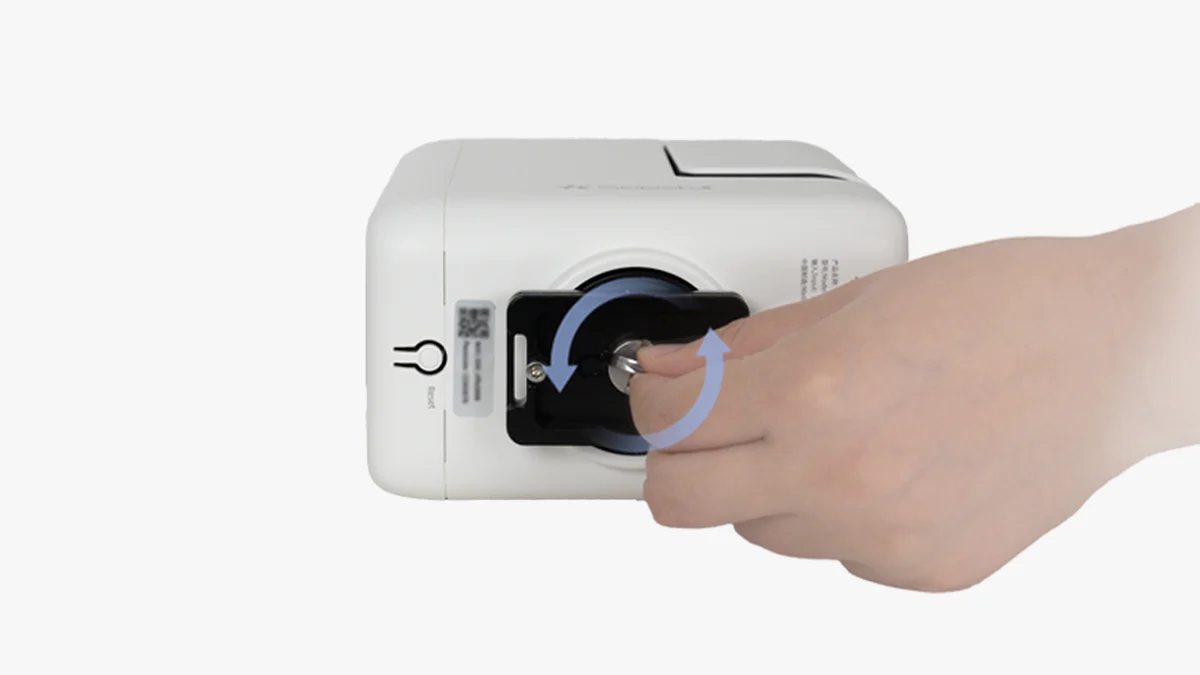
4. Tighten the horizontal adjustment knob at the bottom of the TH10 and attach the TH10 to the tripod. Then, loosen the knob and keep the dovetail groove pointing North, which should align with the north-facing support leg. Finally, tighten the knob.

5. Install the Seestar device onto the TH10, aligning it with the dovetail groove. Tighten the knob firmly to ensure the equipment is secure. Once confirmed, the installation is complete.
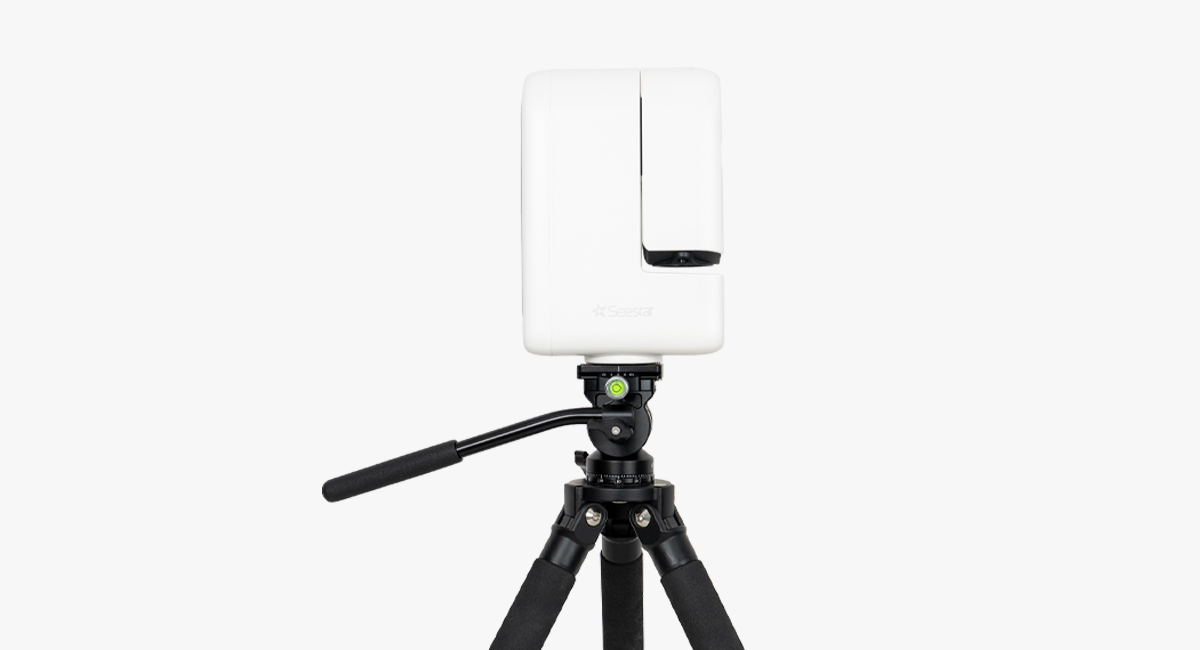
Seestar TH10 hydraulic tripod head enables the Seestar S50 and S30 to operate in equatorial (EQ) mode.
Note: When using the Seestar S50 in equatorial (EQ) mode with the TH10 tripod head and the TC20 tripod (included with the Seestar S50), please note that the equipment may collide with the tripod legs at certain angles. Therefore, this setup is not recommended for use in regions below 15° latitude.